Suite maintenance mode
Available only to Administrators in Settings → Maintenance mode. This is maintenance of the Suite web interface, separate from an aircraft's Maintenance records or state.
Before switching it on
Coordinate with Operators and Clients who are using the interface. Keep a working, signed-in Administrator session open so you can turn the mode off. Signed-out visitors see the holding page too; do not rely on starting a new browser sign-in session after enabling it.
Maintenance mode does not stop aircraft, revoke licences, disable remote vehicle access, or make database changes safe while other applications are active. Requests under /api continue to answer with their normal authorization rules, including Harlock, vehicle traffic, and health checks.
Turn on maintenance mode
- Open Settings as an Administrator.
- In Maintenance mode, select Turn on.
- Read the warning that Operators and Clients will see the maintenance page, then confirm.
- Wait for the state to show On and check the maintenance banner.
Changes reach requests within a few seconds. Administrator sessions retain the interface and see a banner; Operators, Clients, and anonymous visitors see Maintenance in progress. This is not proof that all API activity has stopped.
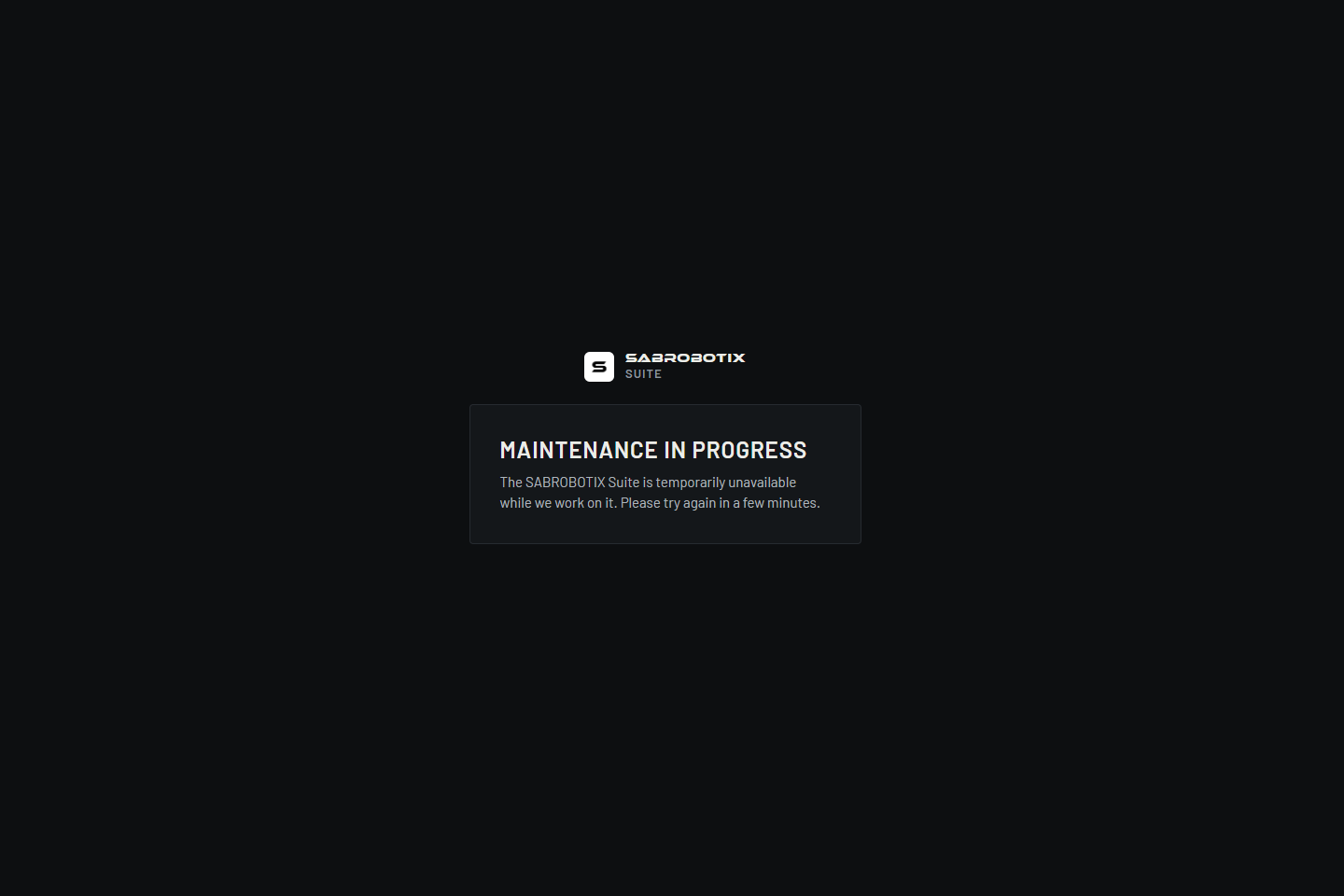 Client view from an isolated demonstration session while maintenance mode is enabled.
Restore the interface
Select Turn off in Settings or the maintenance banner. Turning it off does not require the activation confirmation. Wait for Off, then verify that an Operator or Client can reload the Suite normally.
Review Last changed and the recorded actor when investigating who changed the setting. If saving fails, read the error and reload to determine the actual state before trying again. If no authorized Administrator session remains, use the organization's internal recovery process; do not attempt recovery by creating unrelated accounts or changing customer records.